Simple setup
Drop Snoop Catcher in Applications, launch it once, and choose “Start at login” to keep it running.
Snoop Catcher
Snoop Catcher quietly snaps a photo with your Mac’s built-in camera whenever it wakes from sleep, giving you a visual audit trail.
Drop Snoop Catcher in Applications, launch it once, and choose “Start at login” to keep it running.
Snapshots stay on your Mac—ideal for personal verification or office environments where machines are shared.
Uses almost no CPU or storage. Images are only captured when the Mac wakes up.
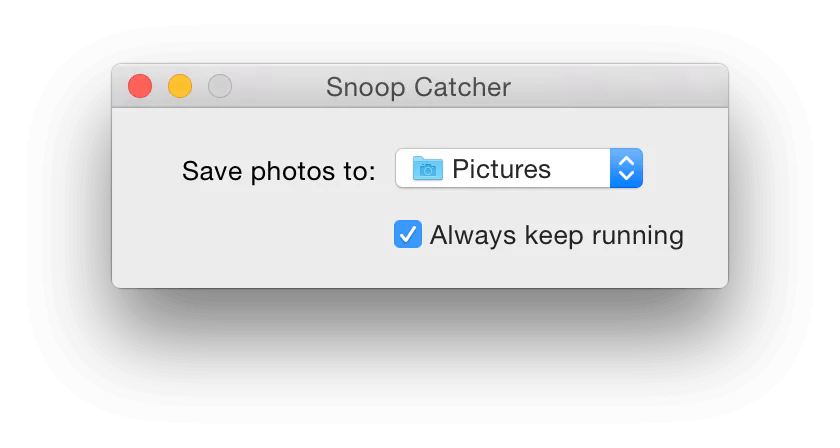
Snoop Catcher saves snapshots in your Pictures folder inside a dated subfolder. You can delete them manually at any time.
It uses the default camera macOS selects. If an external webcam is connected, macOS will prompt for camera access.
Quit the app from the menu bar icon and drag it to the Trash. Remove the Snoop Catcher folder from Pictures if you want to clear photos.